Pagesv4.x
Create a page from optional templates or fully customize your own page.
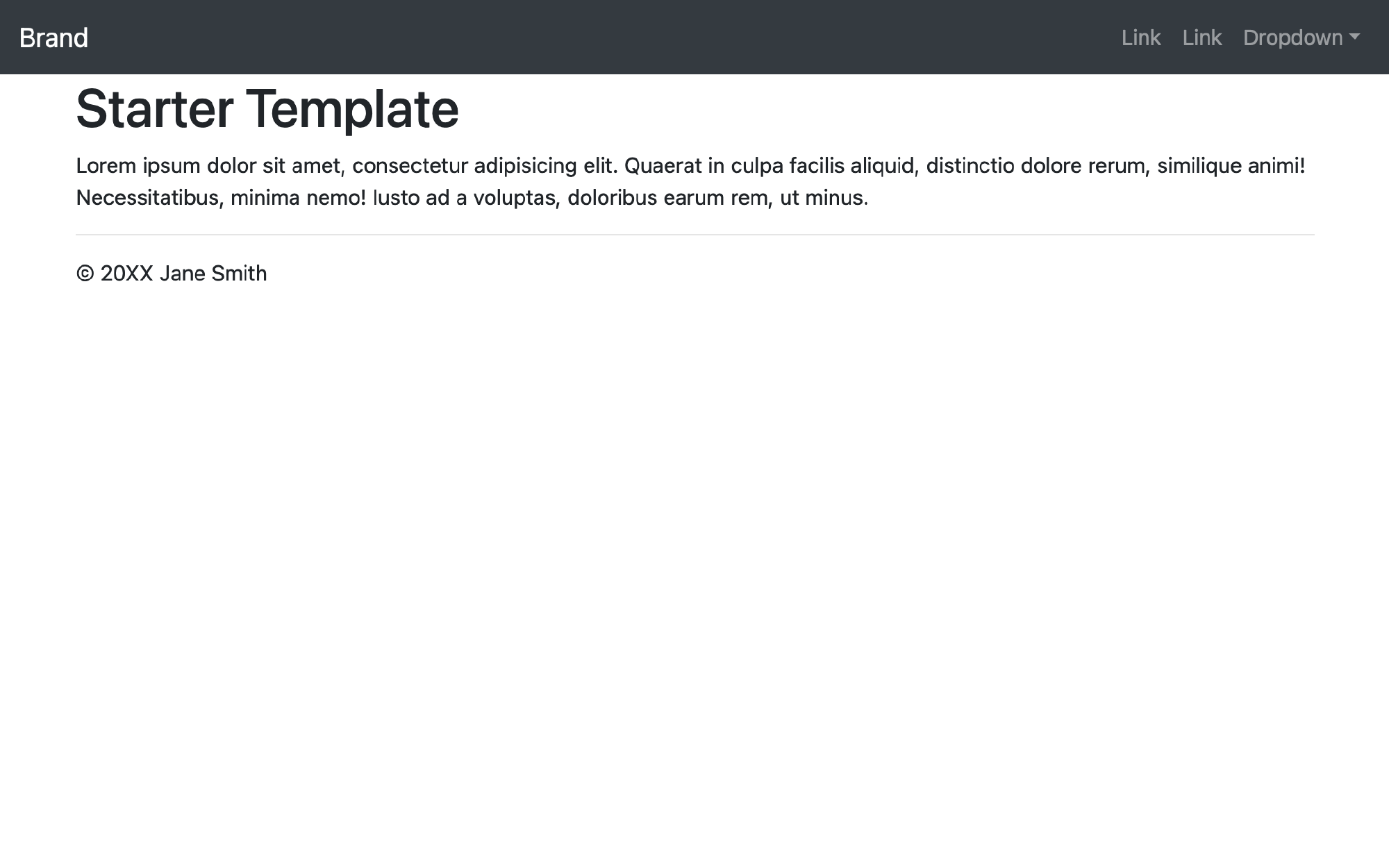
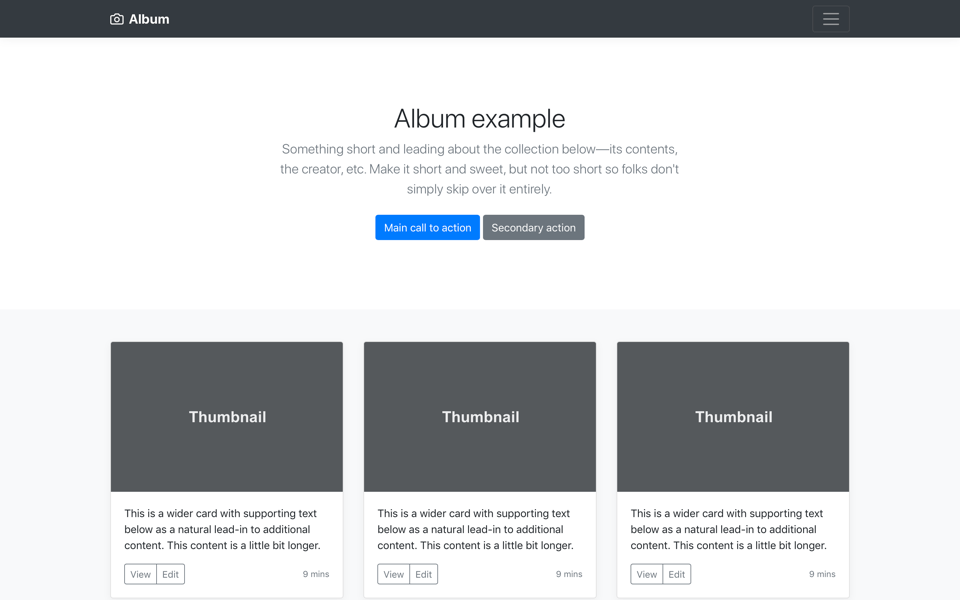


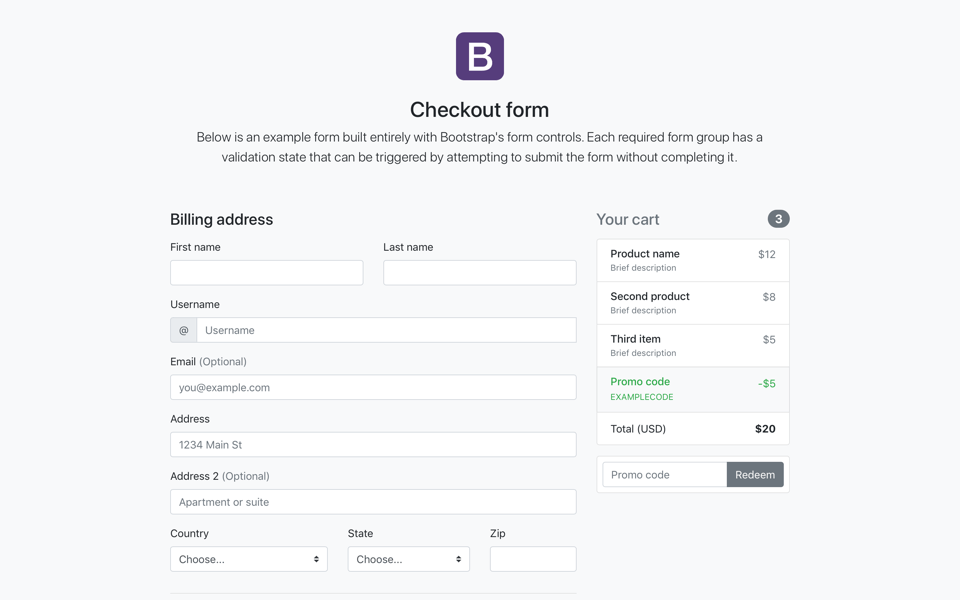
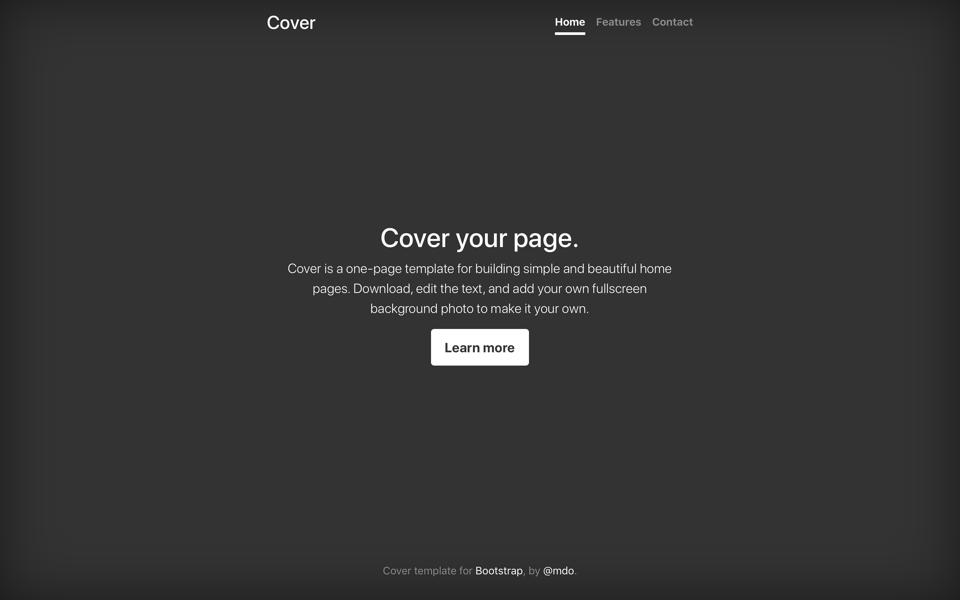
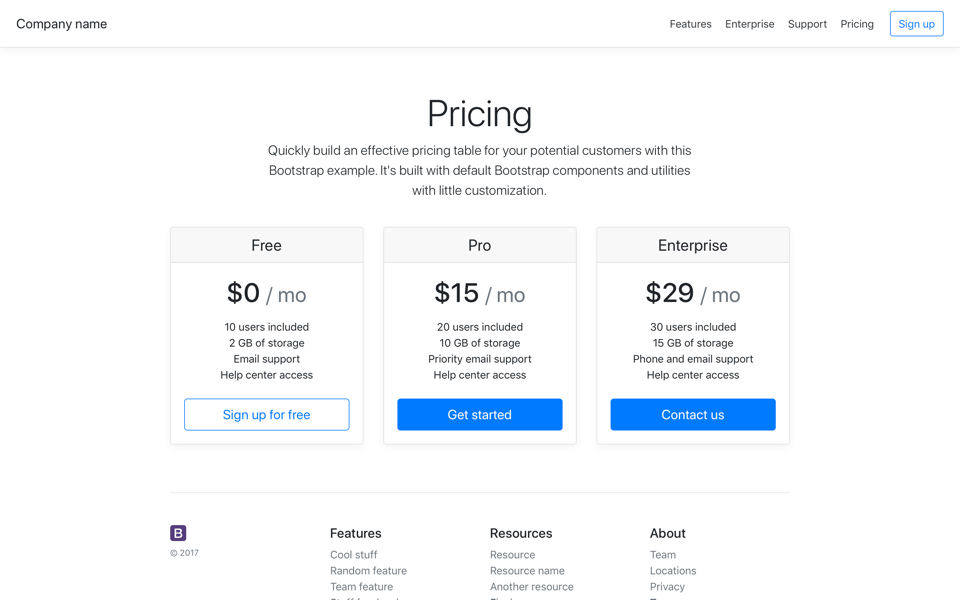

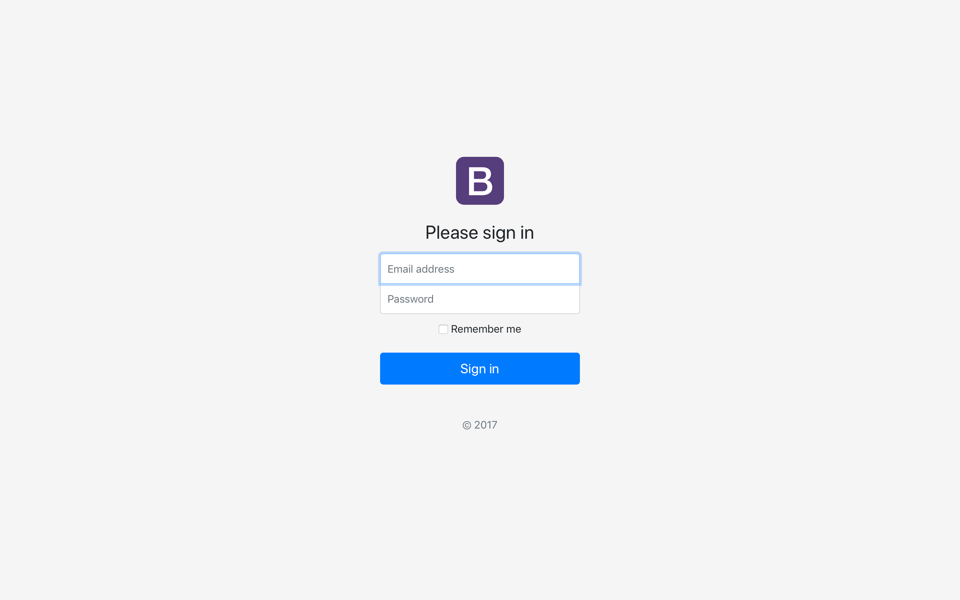
Page Component Stack
- EXAMPLES
- Navbar Full
- Carousel
- Heading 1
- Paragraph
- Table

Slide label
Lorem ipsum dolor sit amet, consectetur adipiscing elit.
Slide label
Lorem ipsum dolor sit amet, consectetur adipiscing elit.
Slide label
Lorem ipsum dolor sit amet, consectetur adipiscing elit.
Slide label
Lorem ipsum dolor sit amet, consectetur adipiscing elit.
Heading 1
Lorem ipsum dolor sit amet, consectetur adipisicing elit. Aliquid eveniet fugit exercitationem earum quod. Ad doloribus dignissimos quaerat error aspernatur est, voluptatem deserunt at, dolores asperiores incidunt eligendi commodi sapiente.
| Light/Dark | First | Last | @handle |
|---|---|---|---|
| Light | Luke | Skywalker | @padawan_learner |
| Light | Obi Wan | Kenobi | @jedi_master |
| Light | Han | Solo | @heart-of-gold |
| Light | Leia | Organa | @principessa |
| Dark | Ben | Solo | @problem_child |
<!doctype html>
<html lang="en" dir="ltr">

  <head>
    <meta charset="utf-8">
    <meta name="viewport" content="width=device-width, initial-scale=1.0">

  <!-- Favicon -->
  <link rel="apple-touch-icon" sizes="57x57" href="img/favicons/apple-icon-57x57.png">
  <link rel="apple-touch-icon" sizes="60x60" href="img/favicons/apple-icon-60x60.png">
  <link rel="apple-touch-icon" sizes="72x72" href="img/favicons/apple-icon-72x72.png">
  <link rel="apple-touch-icon" sizes="76x76" href="img/favicons/apple-icon-76x76.png">
  <link rel="apple-touch-icon" sizes="114x114" href="img/favicons/apple-icon-114x114.png">
  <link rel="apple-touch-icon" sizes="120x120" href="img/favicons/apple-icon-120x120.png">
  <link rel="apple-touch-icon" sizes="144x144" href="img/favicons/apple-icon-144x144.png">
  <link rel="apple-touch-icon" sizes="152x152" href="img/favicons/apple-icon-152x152.png">
  <link rel="apple-touch-icon" sizes="180x180" href="img/favicons/apple-icon-180x180.png">
  <link rel="icon" type="image/png" sizes="192x192" href="img/favicons/android-icon-192x192.png">
  <link rel="icon" type="image/png" sizes="32x32" href="img/favicons/favicon-32x32.png">
  <link rel="icon" type="image/png" sizes="96x96" href="img/favicons/favicon-96x96.png">
  <link rel="icon" type="image/png" sizes="16x16" href="img/favicons/favicon-16x16.png">
  <link rel="manifest" href="img/favicons/manifest.json">
  <meta name="msapplication-TileColor" content="#ffffff">
  <meta name="msapplication-TileImage" content="img/favicons/ms-icon-144x144.png">
  <meta name="theme-color" content="#ffffff">

  <!-- jQuery UI css -->
  <link rel="stylesheet" href="//code.jquery.com/ui/1.12.1/themes/base/jquery-ui.css">

  <!-- Bootstrap CSS -->
  <link rel="stylesheet" href="https://stackpath.bootstrapcdn.com/bootstrap/4.4.1/css/bootstrap.min.css" integrity="sha384-Vkoo8x4CGsO3+Hhxv8T/Q5PaXtkKtu6ug5TOeNV6gBiFeWPGFN9MuhOf23Q9Ifjh" crossorigin="anonymous">


  <link rel="preconnect" href="https://fonts.googleapis.com">
  <link rel="preconnect" href="https://fonts.gstatic.com" crossorigin>
  <href="https://fonts.googleapis.com/css2?family=Figtree:ital,wght@0,300;0,400;0,600;1,300;1,400&family=Leckerli+One&display=swap"
  rel="stylesheet">

  <!-- Main local styles -->
  <link rel="stylesheet" href="css/main.css">

  <title>Page Title</title>

</head>

<body>

  <!-- Main content here -->

  <!-- jquery JS minified -->
  <script src="https://code.jquery.com/jquery-3.4.1.min.js"></script>

  <!-- jquery ui -->
  <script src="https://code.jquery.com/ui/1.12.1/jquery-ui.js"></script>

  <!-- popper minified -->
  <script src="https://cdn.jsdelivr.net/npm/popper.js@1.16.0/dist/umd/popper.min.js" integrity="sha384-Q6E9RHvbIyZFJoft+2mJbHaEWldlvI9IOYy5n3zV9zzTtmI3UksdQRVvoxMfooAo" crossorigin="anonymous"></script>

  <!-- bootstrap JS minified -->
  <script src="https://stackpath.bootstrapcdn.com/bootstrap/4.4.1/js/bootstrap.min.js" integrity="sha384-wfSDF2E50Y2D1uUdj0O3uMBJnjuUD4Ih7YwaYd1iqfktj0Uod8GCExl3Og8ifwB6" crossorigin="anonymous"></script>

  <!-- Your Javascript -->
  <script src="js/main.js"></script>

  <script>
    $(function() {

    // Page scripts here

    });
    // document.ready closes
  </script>

</body>

</html>